Advanced Features (Admin Insights)
This section provides insights into some of the administrative features of AML Complete, primarily based on backend views shown in demonstration videos. These features are generally used for system management and may not be directly accessible or editable by standard practice users.
Managing Risk Questions & Answers
The system uses a structured set of risk questions and answers to assess AML risk based on the information you provide. Administrators can view and manage these questions.
Overview
- Risk questions are organised under predefined **System Forms** (e.g., Practice Form, Client Form) which correspond to sections in the user interface.
- Each question has associated **Risk Answers** (e.g., Yes, No, Uncertain).
- Each answer carries a specific **Risk Level** (e.g., High, Medium, Low) and a numerical **Score**.
- Answers can trigger specific **Rules** or flag an entity as **Non-Compliant**.
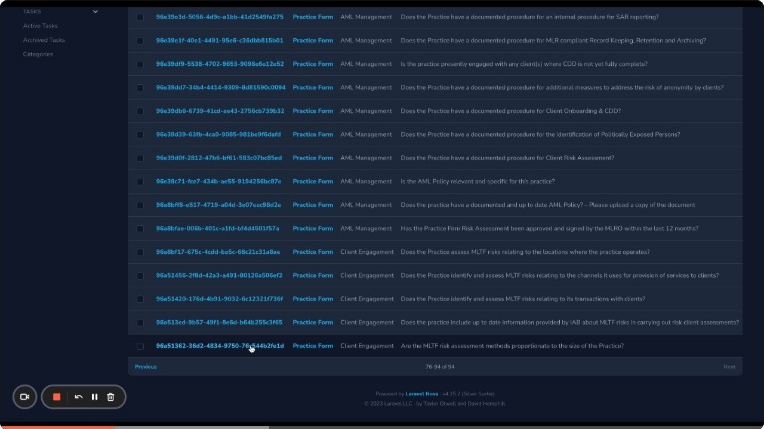
Editing Questions (Admin View)
Administrators can edit existing questions:
- Key fields include Category, Question Text, Question Label (unique code), and Order.
- Changes require coordination with development if they affect the front-end display or logic.

Creating Questions & Answers (Admin View)
New questions and answers can be created, typically by administrators:
- Creating questions requires defining Category, Text, Label, and potentially coordinating with developers.
- Creating answers involves linking to a question and defining the Answer Text, Risk Level, and Score.


Note: Standard users interact with these questions by providing answers in their practice and client profiles, not by managing the questions themselves.
Video Demonstrations (Risk Questions)
Managing FAQs
The system includes a section for managing Frequently Asked Questions (FAQs) that might be displayed to users.
- FAQs are organised into **Categories** (e.g., AML Risk, Data Entry).
- Administrators can create, edit, and delete categories and individual FAQs.
- Editing involves updating the Question text and the Answer text.
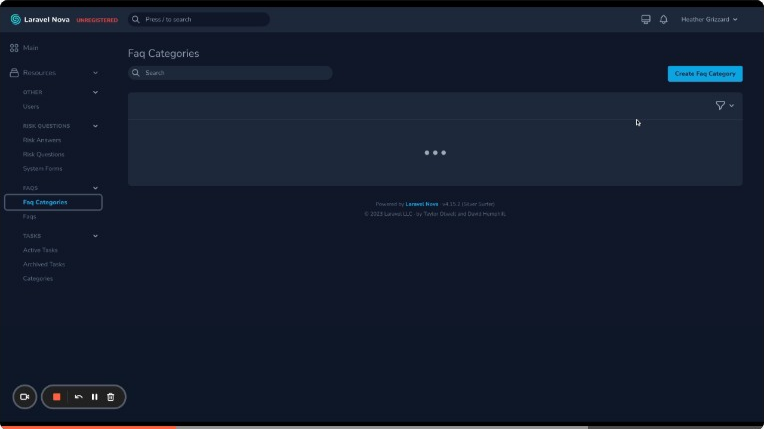
Video Demonstration (FAQs)
User Management Overview
Administrators have a view of all users registered in the system.
- Provides a list of users with their email addresses and potentially other identifiers (like Keep ID).
- Allows administrators to change user roles (e.g., Practice User to Admin User).
- May include options to manage email notification settings for users.
- Passwords are encrypted and not visible.
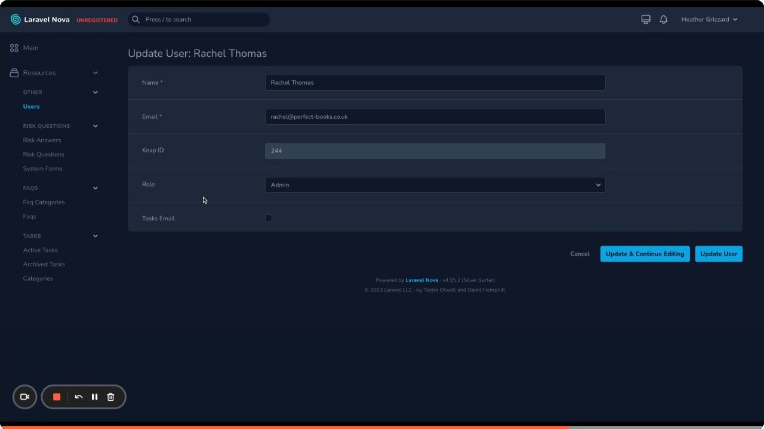
Video Demonstration (Users)
Note: Standard practice users typically cannot manage other users directly; this is an administrative function. The process for adding additional logins for practice employees was mentioned as a future development.